





















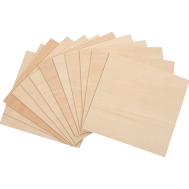







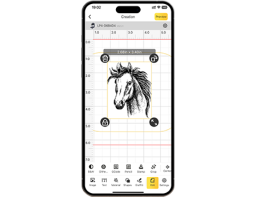


















"Has anyone ever laser-cut plywood?"
In this guide, we'll delve into laser cutting plywood, covering all aspects from start to finish! Additionally, we'll present a case study on laser cutting a plywood door sign. Let's explore this exciting topic together!

In this article:
Part 1: Overview of Laser Cutting Plywood
1.1 What is Laser Cutting Plywood?
Laser cutting plywood, also known as laser-based plywood cutting, is a precise method for cutting plywood material into various shapes, designs, letters, or individual parts.
1.2 How Does Laser Cutting Plywood Work?
"Can plywood be cut with a laser?" Yes! Laser cutting plywood involves focusing a powerful laser beam onto the wood surface. The intense heat of the laser beam cuts the wood along the beam path, creating a clean and precise cut.
Since the laser beam is controlled by computer software, even intricate and detailed designs can be cut with high accuracy. Compared to other wood cutting methods, this technique produces smooth edges and minimal kerf, ideal for delicate patterns and shapes.

1.3 Which Laser Cutter is Suitable for Plywood?
To laser cut plywood, you need a plywood laser cutter that makes the cutting process efficient and delivers precise results. There are various laser cutting machines on the market (e.g., diode lasers, CO₂ lasers, and fiber lasers), leading many to ask: "Which laser is best for cutting plywood?" or "Which laser cutter do I need for plywood?"
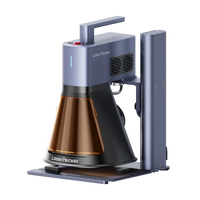
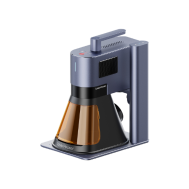
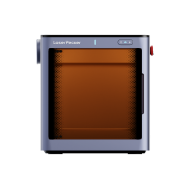
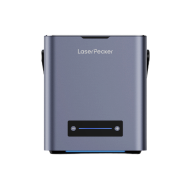
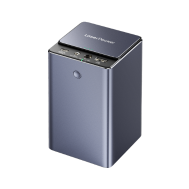
The choice depends on your cutting needs. For home or small projects, diode laser cutters like LP5 or LP4 are suitable. These diode laser cutting machines are easy to use and more cost-effective compared to other plywood cutting tools.

💡 Case Study: Laser Cutting a Plywood Door Sign in 5 Steps
Plywood Laser Cutting Preparation Checklist:
- Material: 3 mm plywood sheet
- Cutting machine: Diode laser cutter
- Design: Patterns, letters, shapes, etc.
The process of laser cutting a plywood door sign is straightforward. How long does it take to cut plywood? Don't worry, just follow these 5 simple steps to complete your laser plywood projects in half an hour!
Step 1: Choose Your Material – Plywood Sheet
Choosing the right material is crucial for laser cutting plywood. Different materials require different laser parameters to ensure precise cuts. Make sure the plywood is laser-compatible to avoid safety risks.
In this guide, we'll use a case study for laser cutting a plywood door sign!

Step 2: Choose the Right Laser Cutting Machine for Plywood
We recommend the LaserPecker 4 (LP4), which is excellent for wood laser cutting.
*Besides the LP4, you can also choose the LP5, which also delivers great performance in plywood cutting (up to 20 mm basswood) and wood embossing.
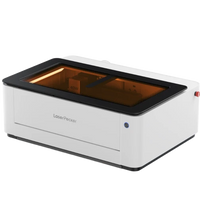
Or choose the LaserPecker LX2. With powerful 20W/40W/60W diode laser options, it effortlessly cuts larger materials, making it ideal for large-scale plywood projects.
Step 3: Prepare Your Cutting Design
Use the LaserPecker Design App/Software or third-party tools like Photoshop to create or import the shape or design you want to cut on the plywood. Pay attention to size, shape, and details.
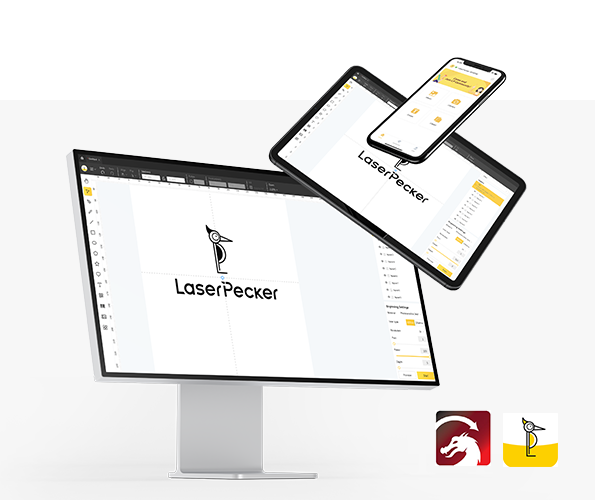
*Also visit LaserPecker CraftZone for inspiration or to purchase laser cutting templates online.
Step 4: Set Up the Laser Cutter for Plywood
First: ensure your laser cutter is turned on and connected to your computer or mobile device via the appropriate interface (Wi-Fi, USB cable, Bluetooth, etc.).
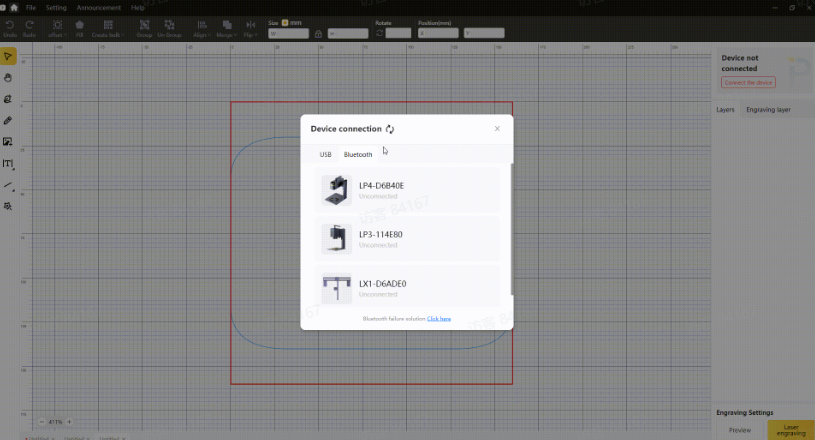
Second: open LaserPecker Design Space and upload your design (formats like JPG/PNG/G-Code/SVG are supported).
Third: place the material in the designated work area, activate preview mode, and ensure the laser is correctly focused.
Fourth: check that your design fits correctly on the plywood surface. Adjust size and position if necessary.

Finally: adjust laser parameters such as power, speed, and resolution to match the characteristics of the plywood and the detail of your design.
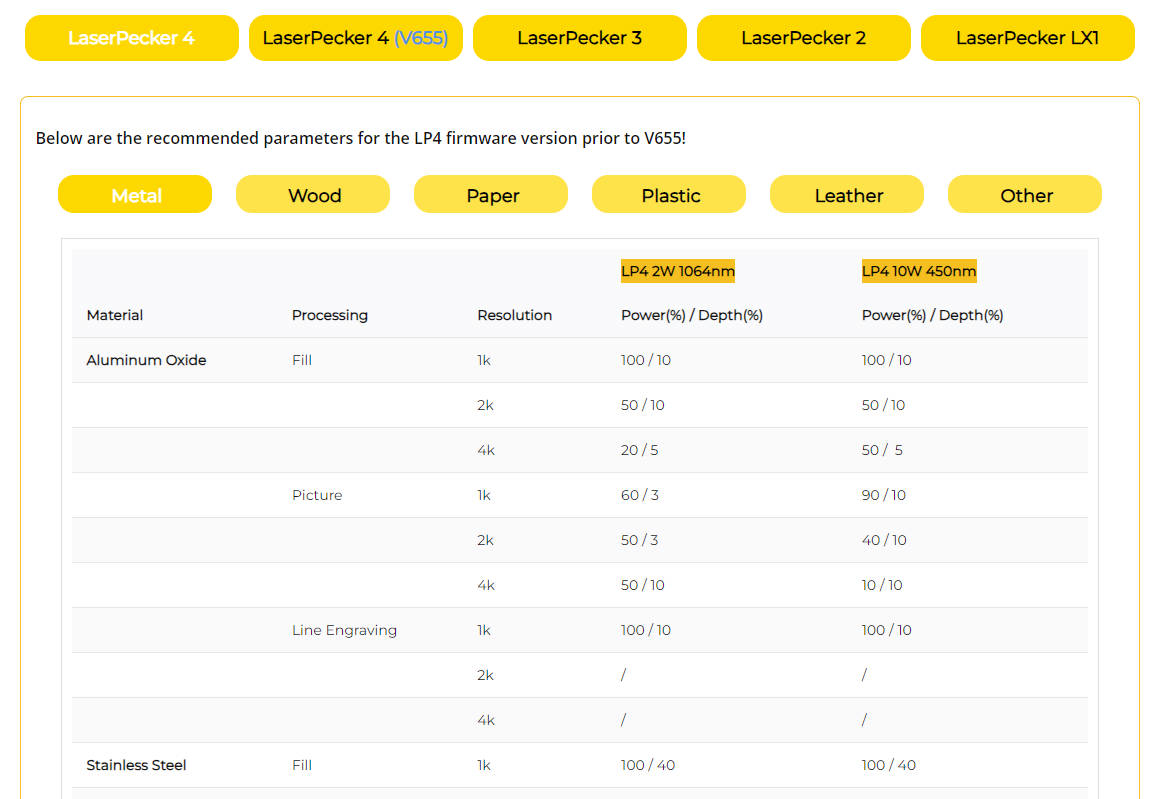
For optimal results, the following LaserPecker LP4 material settings are recommended: 10 W 450nm diode laser; Resolution: 2k; Power: 100%; Depth: 90%; Passes: 1.
Further recommended LaserPecker settings can be found in the table for all LaserPecker devices, including LP1, LP2, LP3, LP4, and LP5.
Step 5: Start Laser Cutting Your Plywood
Double-check everything to avoid errors. Then press the start button and watch your design come to life. Keep an eye on the process, and everything will be finished!
When operating a laser cutting machine, it is advisable to wear safety goggles or use a laser safety cover to protect your eyes and body, as blue laser can pose risks.
Also, be aware that smoke or toxic gases may be generated during cutting. Wearing a mask or using an air purifier is therefore important.

Conclusion
In conclusion, laser cutting plywood offers versatility and precision, transforming plywood into intricate designs and functional products with clean edges and detailed patterns. This opens up endless possibilities for artistic expression, industrial manufacturing, and personal projects.