










































"Has anyone ever laser-cut paper?"
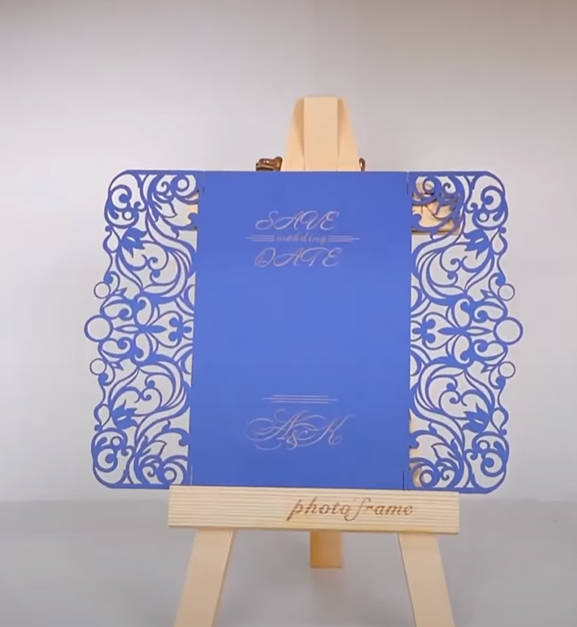
In this guide, we'll dive into the topic of "Laser Cutting Paper" and explore all aspects from start to finish! We'll also show you a case study on how to create a unique paper greeting card using a laser cutter for paper. Let's embark on this exciting journey together!

In this article:
- Part 1: Overview of Laser Paper Cutting
- Part 2: 3 Recommended Paper Laser Cutting Projects
- Case Study: Laser Engraved Paper Greeting Cards in 5 Steps💡
Part 1: Overview of Laser Paper Cutting
1.1 What is Laser Paper Cutting?
Laser paper cutting, also known as cutting paper with a laser, is a precise method for cutting paper into various shapes, letters, or patterns. With a laser cutter for paper, creative ideas can be effortlessly transformed into impressive crafts.

1.2 How does Laser Cutting Paper Work?
Can you cut paper with a laser? Yes! Laser paper cutting involves focusing a highly concentrated laser beam onto the surface of the paper. The heat from the beam causes the paper to vaporize or melt along the cutting line, creating a clean, precise cut.
Since the laser beam is computer-controlled, even delicate and complex designs can be implemented with high accuracy. Compared to other methods, it produces smooth edges and a minimal kerf – perfect for detailed patterns and shapes.

1.3 Paper Laser Cutting Machine
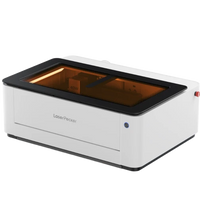
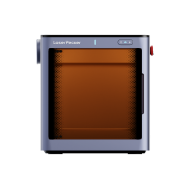
To cut paper with a laser, you need a laser cutter for paper. It is crucial for precise results and a smooth workflow. Various types are available on the market, such as diode lasers, CO₂ lasers, or fiber lasers. Many wonder: "Which laser is best for laser paper cutting?" or "What machine do I need to cut paper?"
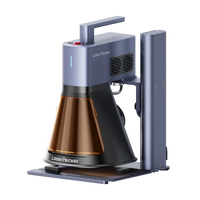
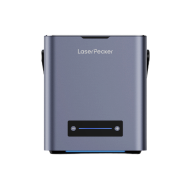
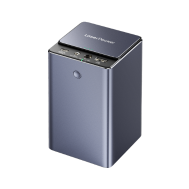
The choice depends on your requirements – cost, precision, or repeatability. For small, simple, and repeatable projects at home, diode laser cutters like LP5 or LP4 are the best choice, as they are easy to use and more affordable than other machines.

1.4 Which Paper is Best for Laser Cutting?
Which paper is best for laser cutting depends on the project and the desired result. Commonly used paper types include:
- Cardstock: Thick and sturdy – ideal for intricate patterns and precise cuts.
- Kraft paper: Brown, robust paper – perfect for natural or rustic designs.
- Cardboard: More stable than cardstock, good for 3D designs or structures.
- Recycled paper: Environmentally friendly option for versatile projects.
- Drawing paper: Smooth surface, lightweight – good for detailed work.
Ultimately, the choice of the best paper depends on factors such as level of detail, desired strength, and intended use. It's best to try different types of paper to find what works best for your project and laser cutter for paper.
Part 2: Recommended Projects for Laser Paper Cutting
1. Laser-Cut Paper Wall Decorations
With a laser cutter, intricate patterns can be precisely cut into paper, creating stunning wall decorations for homes, offices, or events.
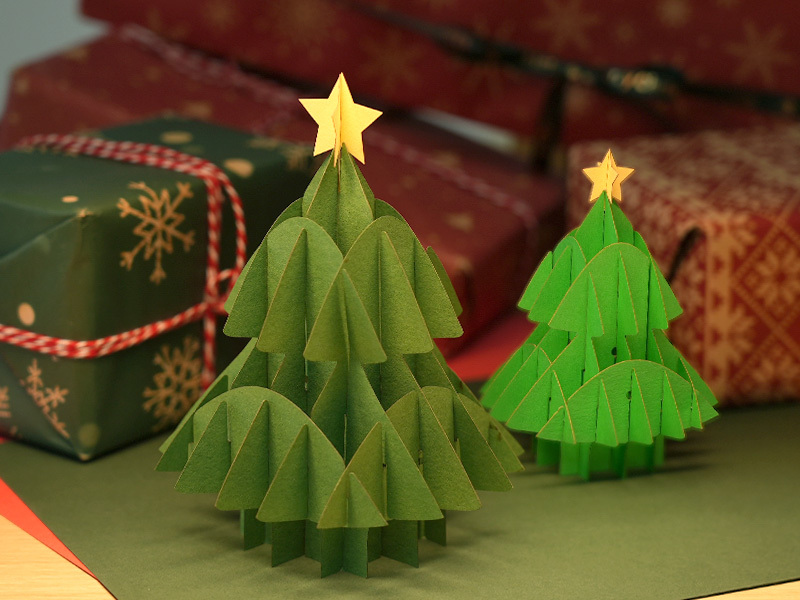
2. Laser-Cut Paper Christmas Trees
Fine paper cutouts can be assembled with a laser to create beautiful Christmas trees – perfect for festive decorations.
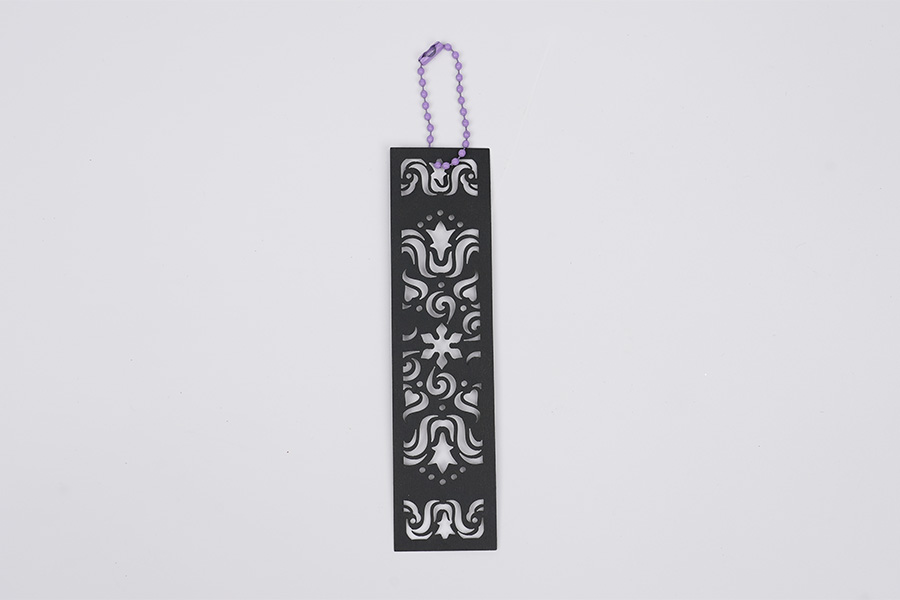
Individual bookmarks can be made with a laser cutter, adding an elegant and creative touch to any book.
Case Study: Laser Engraved Paper Greeting Cards in 5 Steps💡
Preparation Checklist for Paper Laser Cutting
- Cutting Material: 0.5 mm paper
- Cutting Machine: Diode Laser Cutter
- Cutting Design: Patterns, letters, shapes, etc.
Can you cut paper with a laser? Yes! The process is simple. And how long does it take to cut paper? Don't worry – just follow these 5 steps, and in a few minutes, you'll have your paper laser-cut projects in your hands!
Step 1: Choose Your Material – 0.5 mm Paper
Choosing the right material is crucial for laser paper cutting. Different materials require adjusted laser settings to achieve precise results. Also, make sure to use laser-suitable natural paper to avoid safety risks.
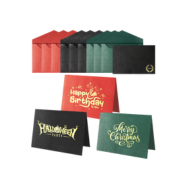
In this case study, we will cut paper and create a greeting card!
Step 2: Choose the Right Laser Cutter for Paper
Ensure that your laser cutter is suitable for paper. Check different application scenarios and select the appropriate machine.
A suitable laser cutter for paper minimizes the risk of burnt edges. With precise control of power and depth, paper can be cut cleanly. If someone asks: "Does paper burn when laser cutting?" – now you know the answer!
We recommend the LaserPecker 4 (LP4), which delivers excellent results when laser cutting paper.
*In addition to the LP4, you can also choose the LP5 or LP2. Both also deliver very good results when laser cutting paper.
Or you can choose the LaserPecker LX2. With powerful 20W/40W/60W diode lasers, it is designed for larger materials – perfect for impressive, large-format paper projects.
Step 3: Prepare Your Cutting Design
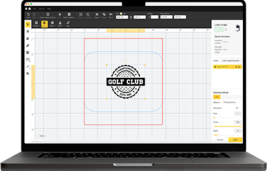
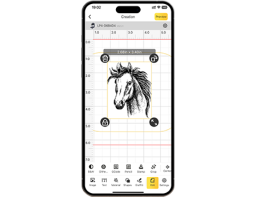
Use the LaserPecker Design App/Software to create or import your desired design. (Tools like Photoshop are also possible.) Pay attention to size, shape, and details.
Step 4: Set Up Your Paper Laser Cutter
First: Turn on the cutter and connect it to a PC or smartphone (USB, Bluetooth, etc.).
Second: Open the LaserPecker Design Space software and load your design (formats such as JPG/PNG/G-Code/SVG are supported).
Third: Place the paper in the work area, activate the preview mode, and set the focus.
Fourth: Check if your design fits the paper size and adjust if necessary.
Fifth: Adjust the parameters (power, depth, resolution) to the paper's properties. If you're wondering "How much laser power is needed to cut paper?" – here's the recommendation: 10 W 450 nm diode laser; Resolution: 1k; Power: 20%; Depth: 86%; Pass: 1
* Adjust the values according to the desired result.
When working with a laser cutter, always wear safety glasses or use a protective cover. Smoke or gases can also be produced – a fume extractor or a mask is therefore advisable.
An overview of further LaserPecker material settings can be found in the parameter table for all models (LP1–LP5).
Step 5: Start Your Paper Laser Cutting Now
Check everything one last time, press start – and let the laser realize your design. Observe the process and enjoy the result!
After cutting, you can add patterns or additional designs. Laser engraving paper is also suitable for this.
Conclusion
In summary, laser paper cutting offers enormous precision and versatility. It transforms simple paper into intricate patterns and functional products – with clean edges and detailed shapes. This opens up endless possibilities for art, crafts, industry, and personal projects.