
















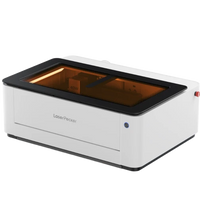
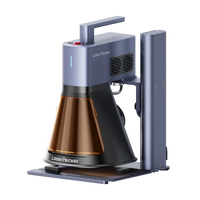
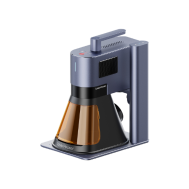


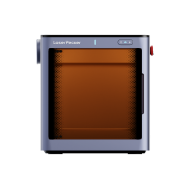
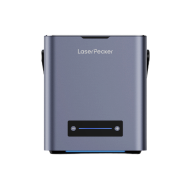
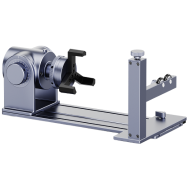
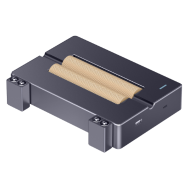

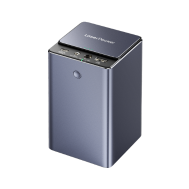





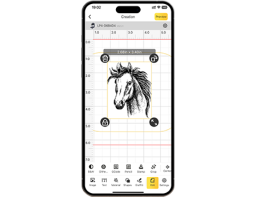


















LP5, LP4, LP3, LP2 Plus, LP2, LX1


LX2

 Downloading the wrong software may prevent your device from working correctly.


To use LDS on your phone or tablet, please download the LDS mobile app instead.


Design einfach gemacht - auch für komplexe Ideen
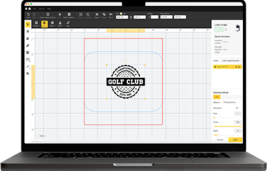
Von einfachen Skizzen bis zu komplizierten Gravuren hilft LDS Ihnen, Ihre Vision mit intuitiven Funktionen und leistungsstarken Tools zu verwirklichen.
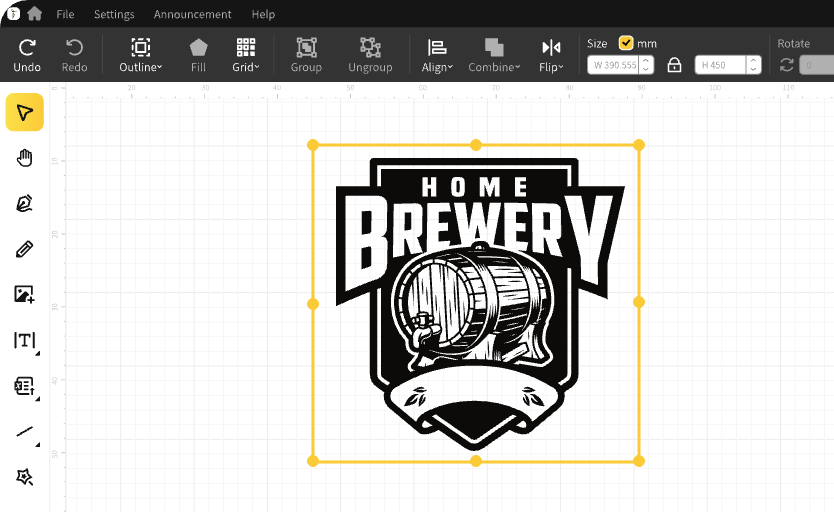

Text bearbeiten und Barcodes hinzufügen
Einfach tippen, Schriftarten anpassen und Text formatieren. Mit nur wenigen Klicks Barcodes oder QR Codes zu Ihrem Design hinzufügen.
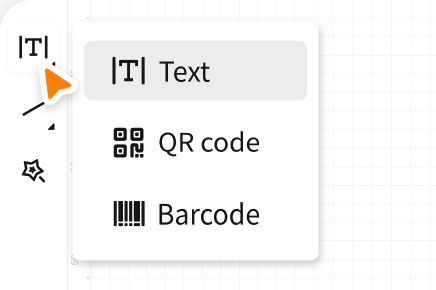
Finden gebrauchsfertige Cliparts
Erkunden Sie unsere integrierte Sammlung mit 1000+ Cliparts und Symbolen, um Ihren Designprozess zu beschleunigen – ideal für schnelle Inspiration.
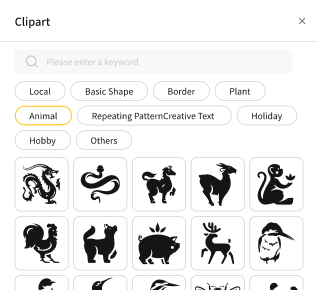
Bilder & Dateien importieren
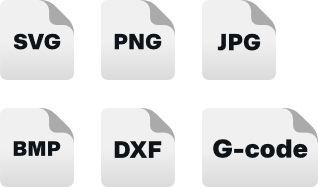
Laden Sie Bilder und Design-Dateien in verschiedenen Formaten hoch (SVG, JPG, PNG, BMP, DXF, G-Code und weitere), um eine maximale Kompatibilität zu gewährleisten.

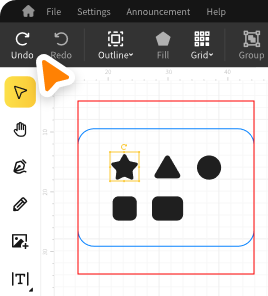
Rückgängig/Wiederherstellen
Gehen Sie mit einem einzigen Klick zurück oder vorwärts — experimentieren Sie frei und ohne Angst vor Fehlern.

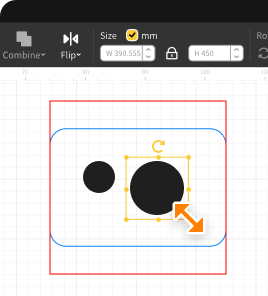
Größe ändern
Skalieren Sie Ihre Objekte durch Ziehen oder Eingeben der exakten Abmessungen genau.

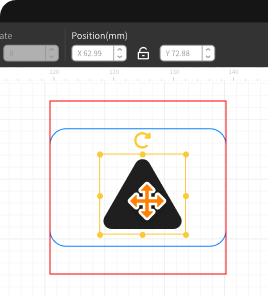
Positionstools
Richten Sie Elemente aus, zentrieren Sie sie und schnappen Sie sie an ihre Position, um ein pixelgenaues Layout zu erhalten.

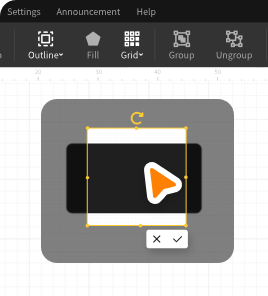
Schnittgröße
Schneiden Sie Bilder zu, um genau den gewünschten Teil hervorzuheben - ideal für Fotos oder importierte Grafiken.


USB
Plug-and-Play für eine sofortige Verbindung.

Bluetooth
Schnellere Koppelung ohne Netzwerk.

WiFi
Steuern Sie Ihren Gravierer im gleichen Netzwerk. *Verfügbar für LP5.

IP
Zugriff auf Netzwerkgeräte über IP ohne Einbeziehung der SSID. *Verfügbar für LP5.

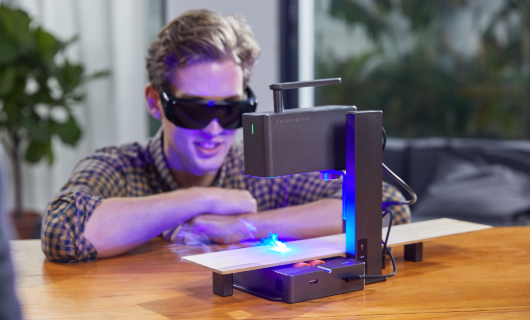
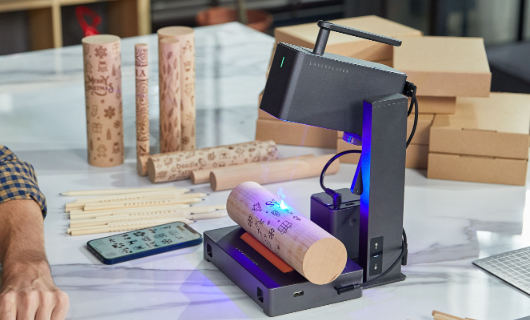
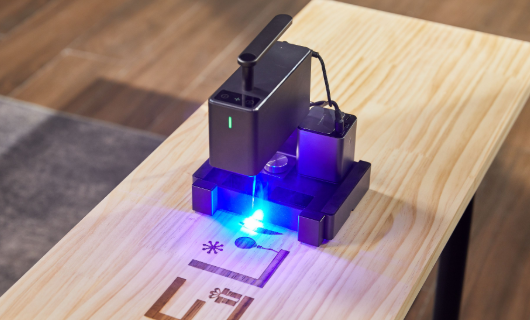


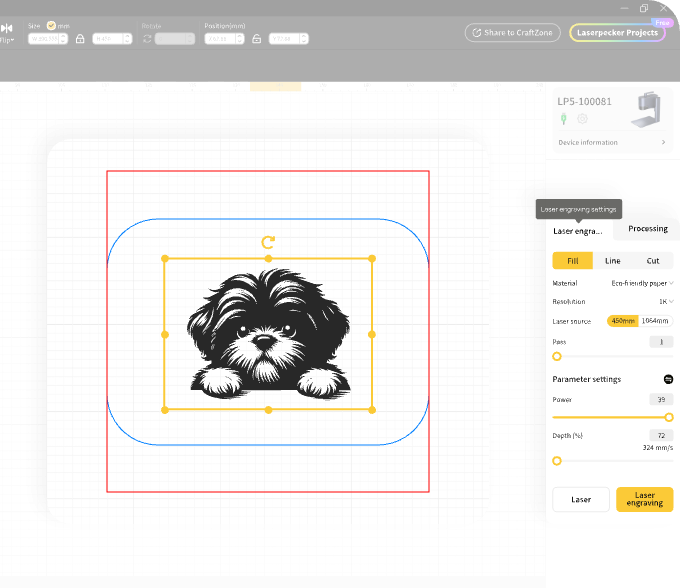
Präzise Einstellungen, die auf Ihr Material und Design zugeschnitten sind
- Bearbeiten einzelne Gravurschichten – Linie, Füllung und Bild
- Anpassen Auflösung, Geschwindigkeit, Leistung, Tiefe und Anzahl der Durchgänge
- Feineinstellung des Fokus durch Messen oder Ausrichten der beiden roten Punkte
- Verwenden die Ein-Klick-Vorschau und den Start für schnellere Arbeitsabläufe

Echtzeit-Vorschau
Die Leinwand aktualisiert sich sofort basierend auf den Einstellungen Ihres verbundenen Geräts.
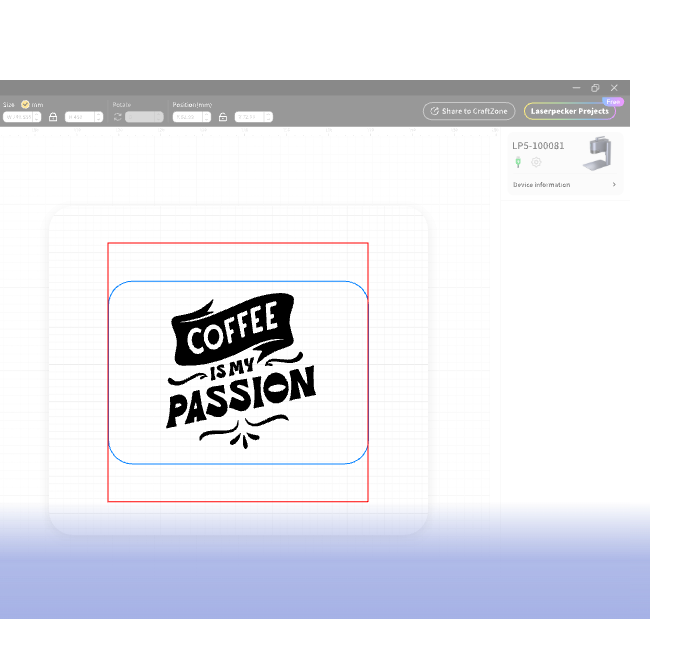
Präziser Gravurbereich
Die roten und blauen Vorschaufelder markieren deutlich Ihren verfügbaren Gravurbereich.


Intelligente Warnungen
Sie werden benachrichtigt, wenn Ihr Design über den aktiven Gravurbereich hinausgeht.


Ausrichtungshilfen
Einfach bewegen und reißen Ihre Designs in der perfekten Position.




Überwachen des Gravurfortschritts in Echtzeit
Die LDS-Echtzeitüberwachungsfunktion gibt Ihnen einen klaren Überblick über den Fortschritt, die geschätzte verbleibende Zeit und alle Warnungen oder Probleme, die während des Prozesses auftreten können.

Überwachen des Gravurfortschritts in Echtzeit
Die LDS-Echtzeitüberwachungsfunktion gibt Ihnen einen klaren Überblick über den Fortschritt, die geschätzte verbleibende Zeit und alle Warnungen oder Probleme, die während des Prozesses auftreten können.



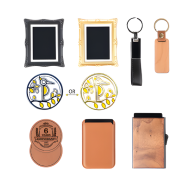
Ausstellung fertiger Kreationen
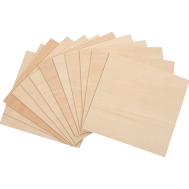
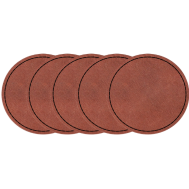
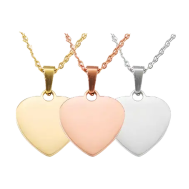
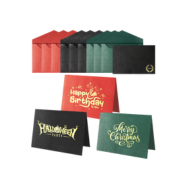
Sehen Sie, was mit dem LaserPecker möglich ist — von verwickelten Holzgravuren bis hin zu polierten Metallätzungen, diese fertigen Projekte unterstreichen die Leistungsfähigkeit und Präzision des LDS.